Your favourites, one tap away
A home screen of your favourite websites, laid out like apps. Add any site, reorder or remove them.
Background audio for any website
LockPlay is a web browser made for listening. Start a podcast, a radio stream, a lecture or a music mix on any website, then lock your screen or switch apps. The sound keeps going.
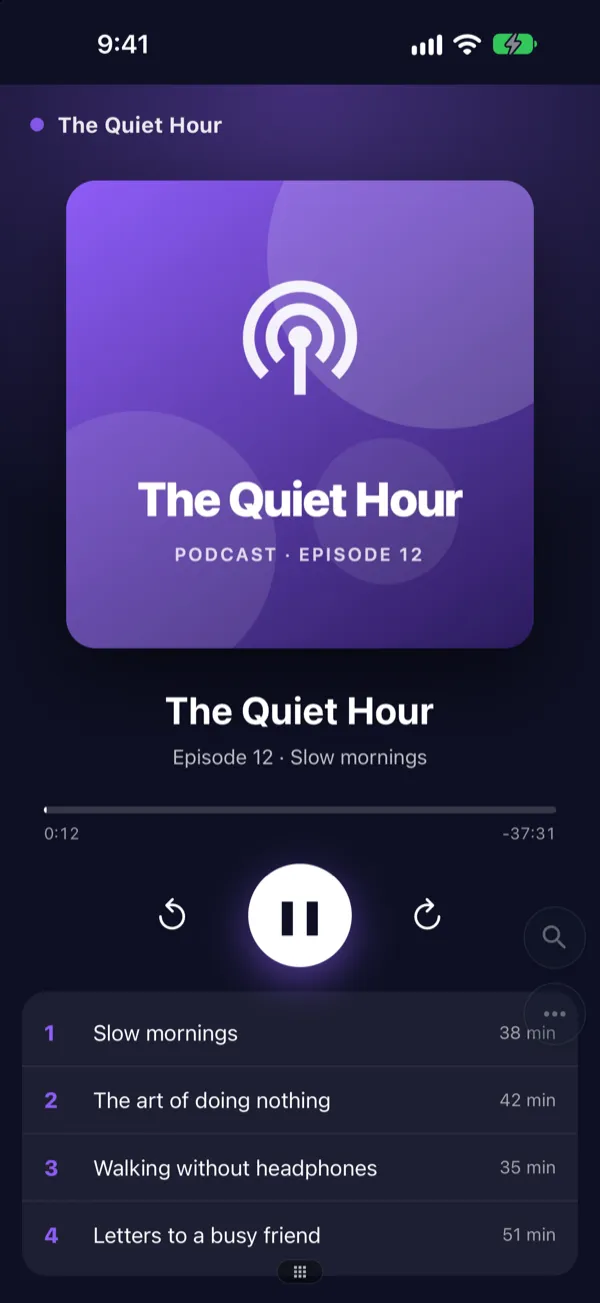


Background play
Most websites stop the moment you lock your phone. LockPlay doesn’t. Your podcast, radio stream or mix carries on in your pocket.
Pages load faster and use less data.
Ad blocker
A built-in blocker removes ads and trackers on the sites you visit, so pages are cleaner, faster and lighter on your data plan.
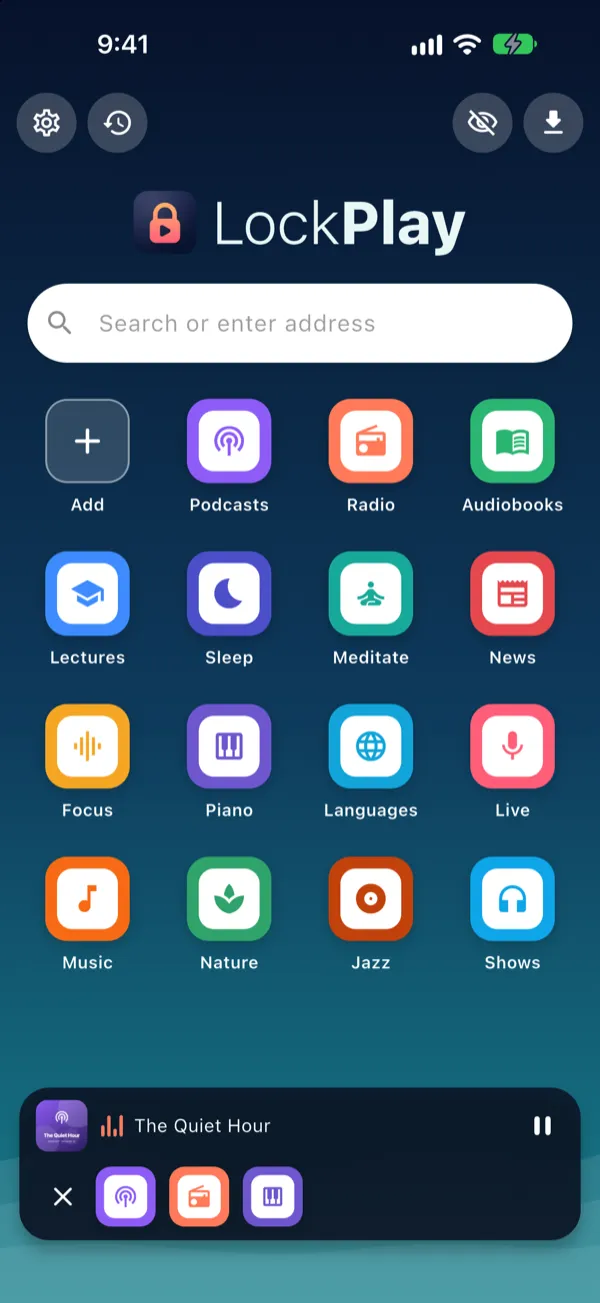
Multitasking
Keep listening while you read the news, check the weather or look up the next episode.
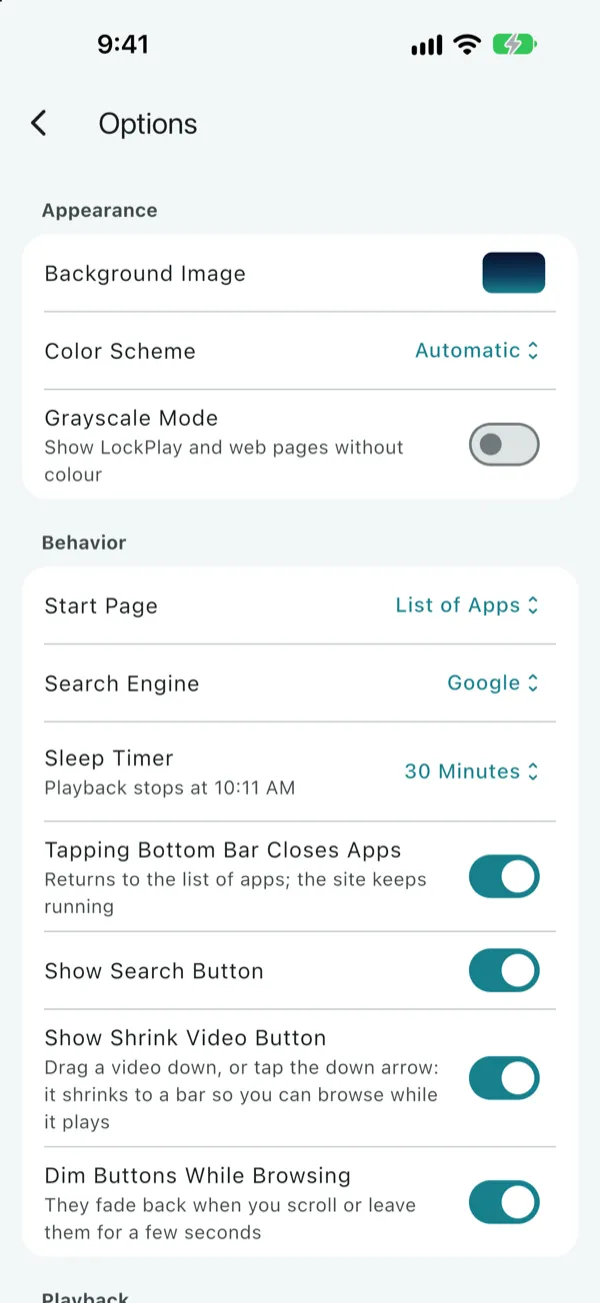
Sleep timer
Put on a story, rain sounds or a slow piano mix, and let LockPlay stop it for you.
And more
A home screen of your favourite websites, laid out like apps. Add any site, reorder or remove them.
Google, DuckDuckGo, Brave, Bing, Yahoo or Ecosia. Type an address or a search in the same box.
Keep a video floating over other apps, or shrink it into a small bar and keep browsing.
No history, and cookies and site data are erased when you close your private tabs.
Take your sites, bookmarks and settings with you using a one-time code. No account needed.
Light and dark themes, your own background photo, and a grayscale mode for a calmer phone.
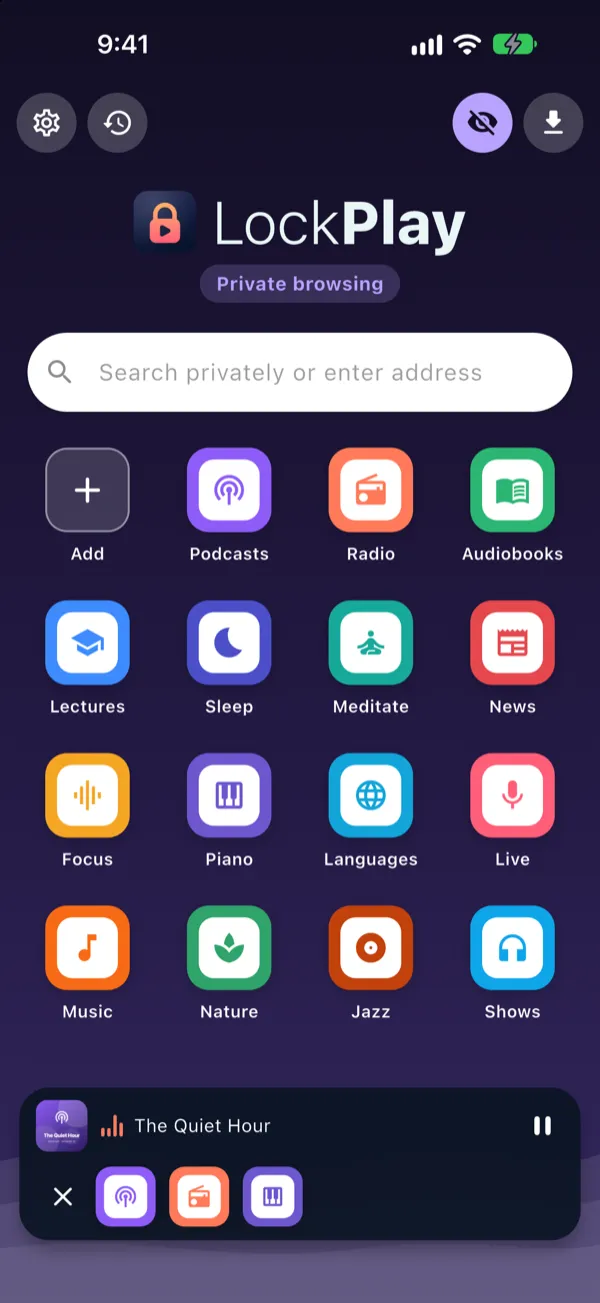
Privacy
LockPlay has no accounts, no ads and no analytics. What you do in it is your business.
Questions
Yes. LockPlay is free, with no ads inside the app and no in-app purchases.
LockPlay is a full web browser, so any site that plays audio or video in a browser works: podcast sites, radio stations, lectures, audiobooks, music mixes and more. Please respect the terms of the sites you use.
Yes. Start playback on a page, then lock your phone or switch to another app. The audio keeps going, and you can play, pause and skip from the lock screen, the notification or Control Center, and your headphones.
No. There is no sign-up and no login. Your history, bookmarks and settings stay on your phone.
No. LockPlay is an independent web browser and is not affiliated with, endorsed by or sponsored by any website you open with it.
Something else? Visit Support.
LockPlay is free on iPhone, iPad and Android.